As a digital product grows past a handful of screens, small inconsistencies start creeping in: a button that’s slightly different on one page, a shade of blue that doesn’t quite match. A design system exists specifically to prevent that drift.
This guide explains what a design system actually is, what it contains, and when it makes sense to build one.
Quick Answers
What is a design system, in simple terms?
A shared set of reusable components, rules, and guidelines a team uses to build a product consistently, instead of designing every screen from scratch.
Is a design system the same as a style guide?
No, a style guide is one part of it, mainly documenting visual rules like color and typography. A design system also includes reusable components, usage patterns, and often actual code.
Do small businesses need a design system?
Not always. It becomes valuable once a product has enough screens, or enough people working on it, that inconsistency starts becoming a real problem.
What’s an example of a well-known design system?
Google’s Material Design is one of the most widely referenced public design systems, used across many of Google’s own products.
What Is a Design System?
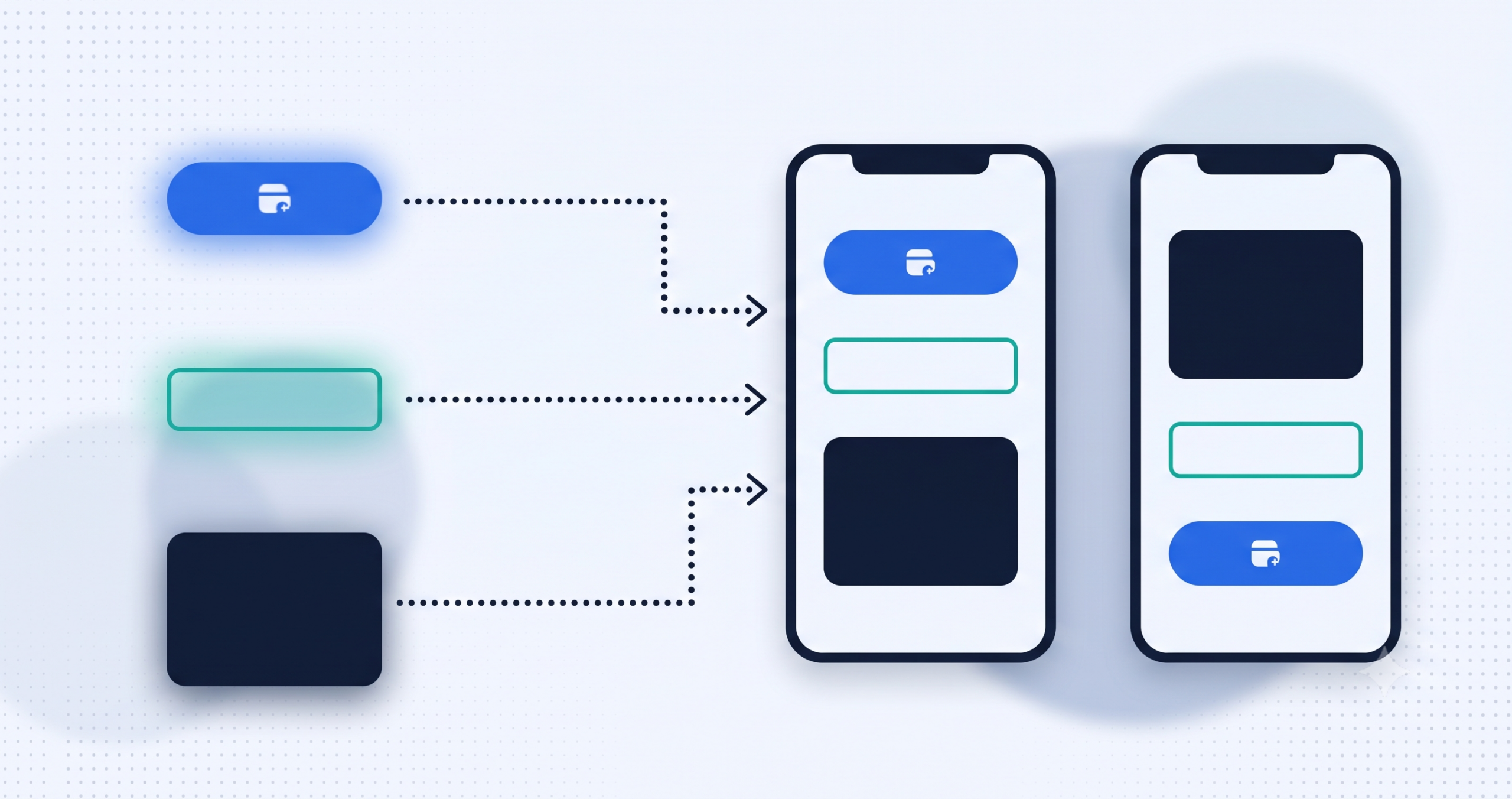
A design system is a shared set of reusable components (buttons, forms, cards), design rules (color, typography, spacing), and documentation that a team uses to build consistent digital products at scale. Instead of a designer creating a new button style for every screen, they pull from a pre-approved, tested set of components that already fit together.
What’s Inside a Design System
- Design tokens. The smallest defined values, specific colors, font sizes, spacing units, that everything else is built from.
- Reusable components. Buttons, input fields, cards, and navigation elements, built once from those tokens and reused everywhere.
- Patterns. Common combinations of components that solve recurring problems, such as a standard login form layout.
- Documentation and guidelines. Rules for when and how each component should be used, so the system stays consistent as new people join the team.
Design System vs Style Guide vs UI Kit
These terms often get used interchangeably, but they aren’t quite the same. A style guide documents visual rules like colors and fonts, mostly as reference material. A UI kit is a collection of reusable visual components, often just design files. A design system is the full package: it includes the UI kit and style guide, plus code implementation and documentation for how to use it all together, usually maintained jointly by design and engineering.
Design System vs Designing Screen by Screen
| Factor | With a Design System | Screen-by-Screen Design |
|---|---|---|
| Consistency | Same components reused everywhere | Small differences creep in over time |
| Speed | Faster once components exist | Slower, each screen built from scratch |
| Maintenance | Update once, changes propagate everywhere | Every screen must be updated individually |
| Best fit | Growing products with many screens | Very small, one-off projects |
When a Design System Makes Sense
A design system tends to pay off for products with many screens, multiple designers or developers working in parallel, or clear plans to scale. It can be overkill for a small, one-off marketing site or a very early-stage product with only a handful of screens, where the overhead of building and maintaining a full system outweighs the benefit.
Common Misconceptions About Design Systems
- “A design system is just a color palette.” It’s far more: components, patterns, and rules for how everything should be used together.
- “Only large companies need one.” Even a small product team benefits once it has more than a handful of screens to maintain consistently.
- “Building a design system is a one-time project.” It needs ongoing maintenance as the product evolves and new patterns emerge.
Final Thoughts
A design system isn’t a nice-to-have add-on, it’s the mechanism that keeps a growing product from slowly falling apart visually and functionally. Knowing what one actually contains makes it easier to recognize when a product has outgrown ad-hoc, screen-by-screen design.
If you’re building a product that’s starting to outgrow one-off screen design, Cospixare Technologies builds design systems as part of its UI/UX design work. Get in touch if that would help.
Frequently Asked Questions
What is a design system, in simple terms?
A shared library of reusable design components and rules that a team uses to build a product consistently, rather than designing every screen individually.
Is a design system the same as a style guide?
No, a style guide is one piece of it. A full design system also includes reusable components, usage patterns, and often working code, not just visual reference documentation.
Do small businesses need a design system?
Not necessarily at the very start. It becomes more valuable as a product grows past a handful of screens or as more people start contributing design and development work.
What’s an example of a well-known design system?
Google’s Material Design is one of the most widely referenced public examples, providing components and guidelines used across many Google products and beyond.
Who maintains a design system, designers or developers?
Typically both. Designers define the visual rules and components, while developers implement and maintain the actual code that makes those components reusable in the product.
Can a design system be built alongside a first product, or does it need an existing product first?
It can be started alongside a first product, though many teams build an initial version of the product first, then formalize a design system once patterns start repeating across multiple screens.
Related Reading
Further Reading