Anyone who has tried to edit a plain HTML website by hand knows why content management systems exist. Changing one line of text on a hardcoded page can mean digging through code just to fix a typo. A CMS was built to remove that barrier entirely.
This guide explains what a CMS actually is, how it works, and what to know before choosing one for a website.
Quick Answers
What does CMS stand for?
Content Management System, software that lets people create, edit, and publish website content without writing code for each individual page.
Do I need a CMS for my website?
Most businesses benefit from one, especially if content (blog posts, product listings, pages) will be added or updated regularly by someone who isn’t a developer.
Is WordPress the same thing as a CMS?
WordPress is one specific, widely used example of a CMS, not the only one. “CMS” is the general category; WordPress is a product within it.
What’s the difference between a CMS and a website builder?
A CMS like WordPress separates content from design and allows deep customization through themes and code. A website builder like Wix bundles hosting, design, and editing into one closed platform with less flexibility.
What Is a CMS?
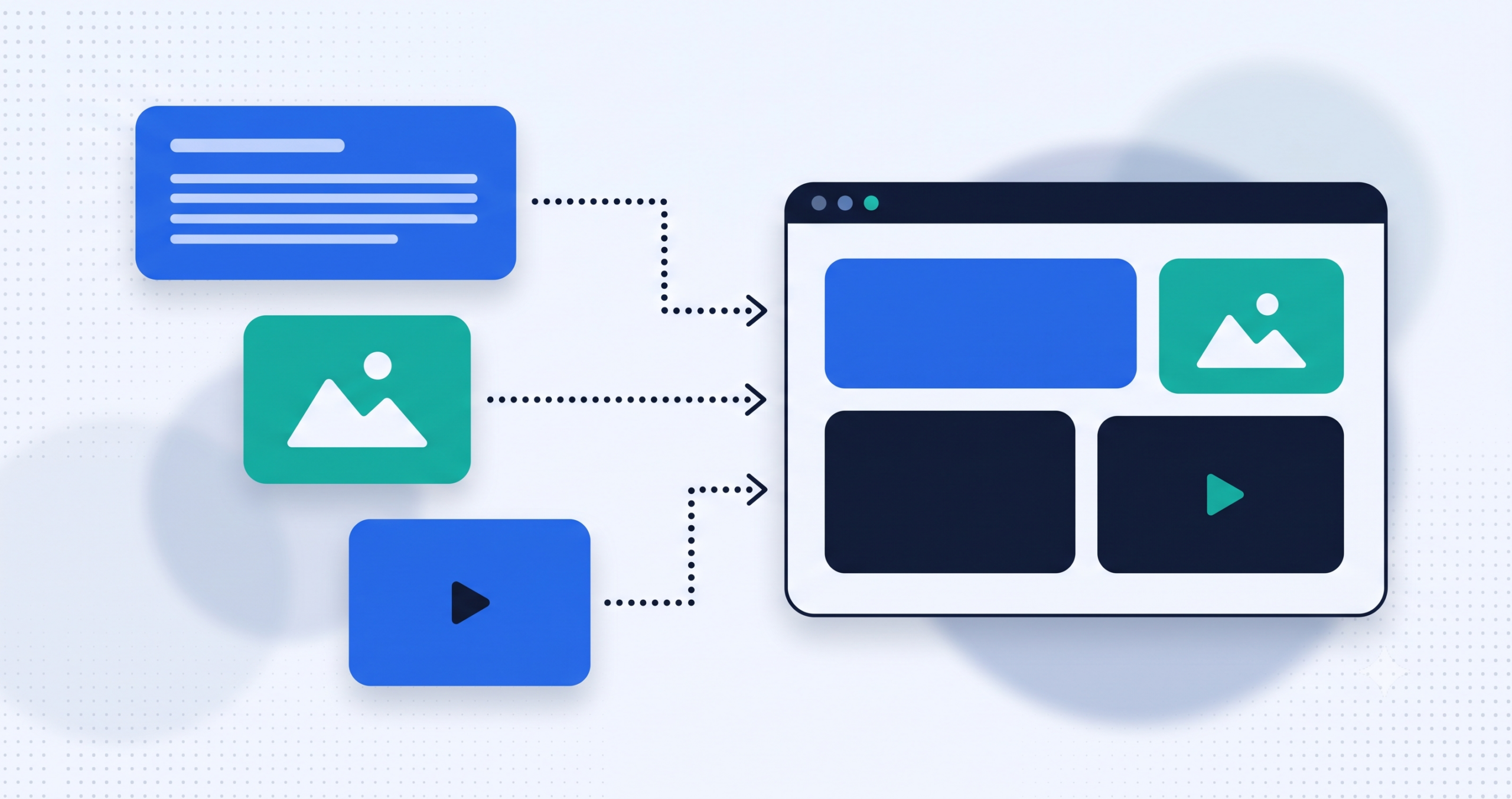
A content management system (CMS) is software that separates a website’s content, the text, images, and other information, from its design and code. Instead of editing HTML files directly, someone can log into a dashboard, write or update content, and publish it, while the CMS handles displaying that content correctly on the live site.
How a CMS Works
- Content lives in a database. Text, images, and metadata are stored separately from the site’s design, rather than hardcoded into static files.
- Templates control the display. A single template or theme can render many different pages consistently, pulling in whatever content is stored for that page.
- An admin dashboard handles editing. Non-technical users can create, edit, and publish content through a visual interface instead of writing code.
- Plugins or extensions add functionality. Features like contact forms, SEO tools, or e-commerce can often be added without custom-building everything from scratch.
Traditional CMS vs Headless CMS
A traditional CMS manages both the content and how it’s displayed on the website, all in one system. A headless CMS manages only the content, then delivers it through an API to whatever front-end needs it, a website, a mobile app, or both at once. Headless setups matter most when the same content needs to appear in more than one place, such as a website and a companion app sharing the same product data.
CMS vs Website Builder vs Custom-Coded Site
| Factor | CMS (e.g., WordPress) | Website Builder | Custom-Coded Site |
|---|---|---|---|
| Content editing | Easy for non-technical users | Easy for non-technical users | Usually needs a developer |
| Customization | High, via themes, plugins, and code | Limited to the builder’s system | Unlimited, built exactly to spec |
| Hosting | Your choice of hosting provider | Bundled with the platform | Your choice of hosting provider |
| Best fit | Content-heavy sites needing flexibility | Very simple sites, fast setup | Highly custom functionality or performance needs |
Why Businesses Use a CMS
- Non-technical staff can update content without needing a developer for every small change
- Faster to launch than a fully custom-coded site built from nothing
- A large ecosystem of themes and plugins covers most common feature needs
- Easier to scale content over time, whether that’s blog posts, product listings, or landing pages
Common Misconceptions About CMS Platforms
- “A CMS website can’t be customized.” Platforms like WordPress support fully custom themes and code, well beyond off-the-shelf templates.
- “All CMS platforms are the same.” They vary widely in flexibility, performance, and how steep the learning curve is.
- “A CMS site needs no more development help once it’s built.” Updates, security patches, and new features often still benefit from developer involvement over time.
Final Thoughts
A CMS exists to remove the developer bottleneck from everyday content updates, not to replace development entirely. Understanding what it actually manages, and what it doesn’t, makes it easier to plan a website that stays easy to maintain long after launch.
If you’re planning a new site or want to know whether your current CMS setup still fits your needs, Cospixare Technologies works on website development projects built on the right platform for the job. Get in touch if that would help.
Frequently Asked Questions
What does CMS stand for?
Content Management System, software that separates a website’s content from its design so content can be created and edited without writing code for each page.
Is WordPress the same thing as a CMS?
No, WordPress is one specific CMS, among several available. It happens to be one of the most widely used, but “CMS” refers to the broader category of software.
What’s the difference between a CMS and a website builder?
A CMS typically allows deeper customization through themes, plugins, and custom code, with hosting chosen separately. A website builder bundles hosting and design into one closed platform, trading flexibility for simplicity.
Can a CMS handle an online store?
Yes, most major CMS platforms support e-commerce either through built-in features or additional plugins, though the amount of custom development needed depends on how complex the store needs to be.
Is a CMS secure?
It can be, if kept updated and configured properly. Like any software, a CMS needs regular updates and good security practices; neglecting those is usually what leads to vulnerabilities, not the CMS itself.
What happens if I want to switch CMS platforms later?
It’s possible but usually involves migrating content and rebuilding design elements, since different CMS platforms structure data differently. Planning content structure carefully from the start makes a future migration easier if it’s ever needed.
Related Reading
Further Reading